
 Prepare
Scalar 33 ORMUS Activator
Designed to support energetic activation and preparation.
Shop Scalar 33A wearable frequency device designed to support energy, coherence, and whole-body regulation through multi-wavelength photonic technology.

The EvoStar™ BioFrequency Device is a wearable wellness tool designed to deliver structured photonic frequencies to the body in short daily sessions.
Using multi-wavelength light technology, EvoStar™ supports the body’s natural ability to regulate and restore itself by promoting coherence across multiple systems, including energy production, circulation, and the nervous system.
Designed to integrate seamlessly into daily life, EvoStar™ can be worn during meditation, work, relaxation, or recovery as part of a consistent wellness routine.
Select a technology to see it in the field.
How to Set Up and Activate Your EvoStar™ Device or EvoStar™ Mat
The complete guide to setting up and activating your EvoStar™ Device or EvoStar™ Mat.
Learn How to Set Up & Activate Your DeviceStep-by-step setup for your EvoStar™ Advanced System software.
Set Up Your Advanced System SoftwareSign in to your EvoStar™ account.
Log into your EvoStar™ AccountWatch Jewels explain how to use the EvoStar™ BioFrequency Device, how to wear it properly, and how to integrate it into your daily BioQuantum™ practice.

Apply Scalar 33 ORMUS Activator or Cell Ascension ORMUS to the wrist and allow it to dry.
Place the EvoStar™ BioFrequency Device comfortably around the wrist.
Start on a low or moderate setting for approximately 30 minutes.
Use daily to support long-term energy, regulation, and coherence.
The attachment plugs into the side of the watch and delivers targeted support to a chosen area, while the watch continues running at the same time.
Begin by setting your intention for the session.
Follow all of the preparation steps explained in the previous video, including selecting your program, time, and intensity.
Put the watch on your wrist and press start as you normally would.
The frequencies will continue to be delivered through the pulse points on your wrist.
Locate the attachment port on the side of the watch.
Gently plug the attachment into the port.
Once it is connected, the attachment should automatically begin to light up. The watch will continue running while the attachment operates at the same time.
Place the attachment directly over the area where you would like additional support.
For example, you may position it over your:
The attachment does not physically fasten to the body on its own.
You can:
Make sure it is positioned comfortably and is not wrapped too tightly.
Whenever possible, keep the watch on your wrist while using the attachment.
This allows the frequencies to move through the pulse points on your wrist while also providing targeted support through the attachment.
If the targeted area is difficult to reach while also wearing the watch, you may remove the watch from your wrist and allow the session to run through the attachment.
Make sure the attachment remains plugged into the watch and positioned over the desired area.
Leave the watch and attachment running for the full time selected for your session.
Once the session is complete:
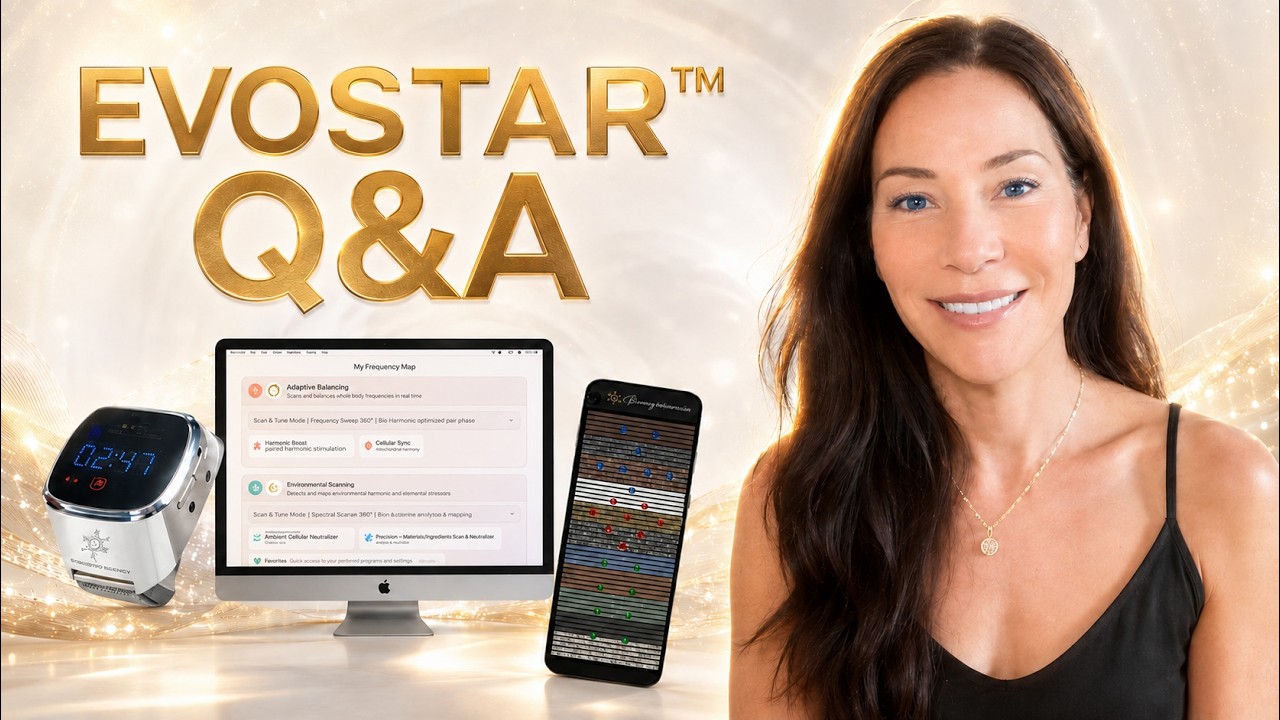 Live Q&AGet the Most from Your EvoStar™ Device & Mat
Whether you’re just getting started or have been using your EvoStar™ for a while, this live Q&A is your opportunity to deepen your understanding and get your questions answered.
Join us as we explore how to use the EvoStar™ Device and Mat, share best practices, and help you get the most from your daily experience. We’ll also answer your questions live so you can feel confident using your technology.
 Tutorial
How to Use the EvoStar™ Device
 Tutorial
How to Use the EvoStar™ Device / Watch
 Attachment
How to Use the EvoStar™ Attachment
 DMT™ Software demonstration
How to Use the DMT™ Software with your EvoStar™ Device
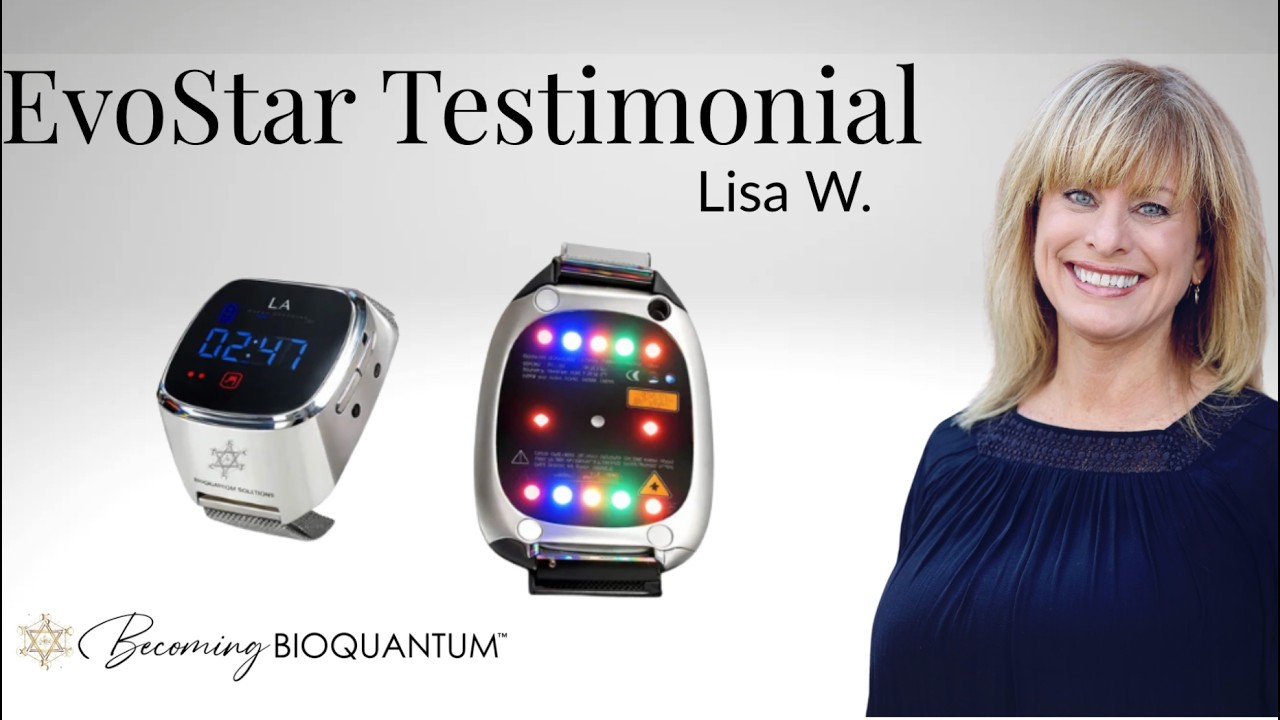
She felt like her body had stopped working… until everything shifted.
In this real testimonial, Lisa shares how the BioFrequency Device supported her move from extreme fatigue and disconnection into flow, energy, and clarity. What began as subtle changes quickly became a full transformation, not just in how she felt, but in who she experienced herself to be.
From non-functional to energized and excited about life again, her story shows how shifting deeper patterns in the body can create real change.
If you’ve been feeling stuck or out of sync, this may open a new perspective on what’s possible. ✨
The EvoStar™ BioFrequency Device can be paired with complementary tools to create a more integrated experience.
Prepare
Designed to support energetic activation and preparation.
Shop Scalar 33 Renew
Renew
Supports cellular renewal and energetic expansion.
Shop Cell Ascension Align
Align
Designed to support deeper consciousness and alignment work.
Explore the Advanced SystemMore questions about your EvoStar™? Contact us or visit the full FAQ.
We recommend beginning with one 30-minute session daily.
Yes, depending on your comfort and routine.
No, the device can be used on its own or paired with ORMUS.
Yes, it is designed to integrate into everyday life.
Each body responds differently. Consistent use is recommended.
Whether it’s setup, your account, or getting the most from your sessions, we’re here to help.
Support energy, coherence, and whole-body balance with wearable photonic frequency technology.
